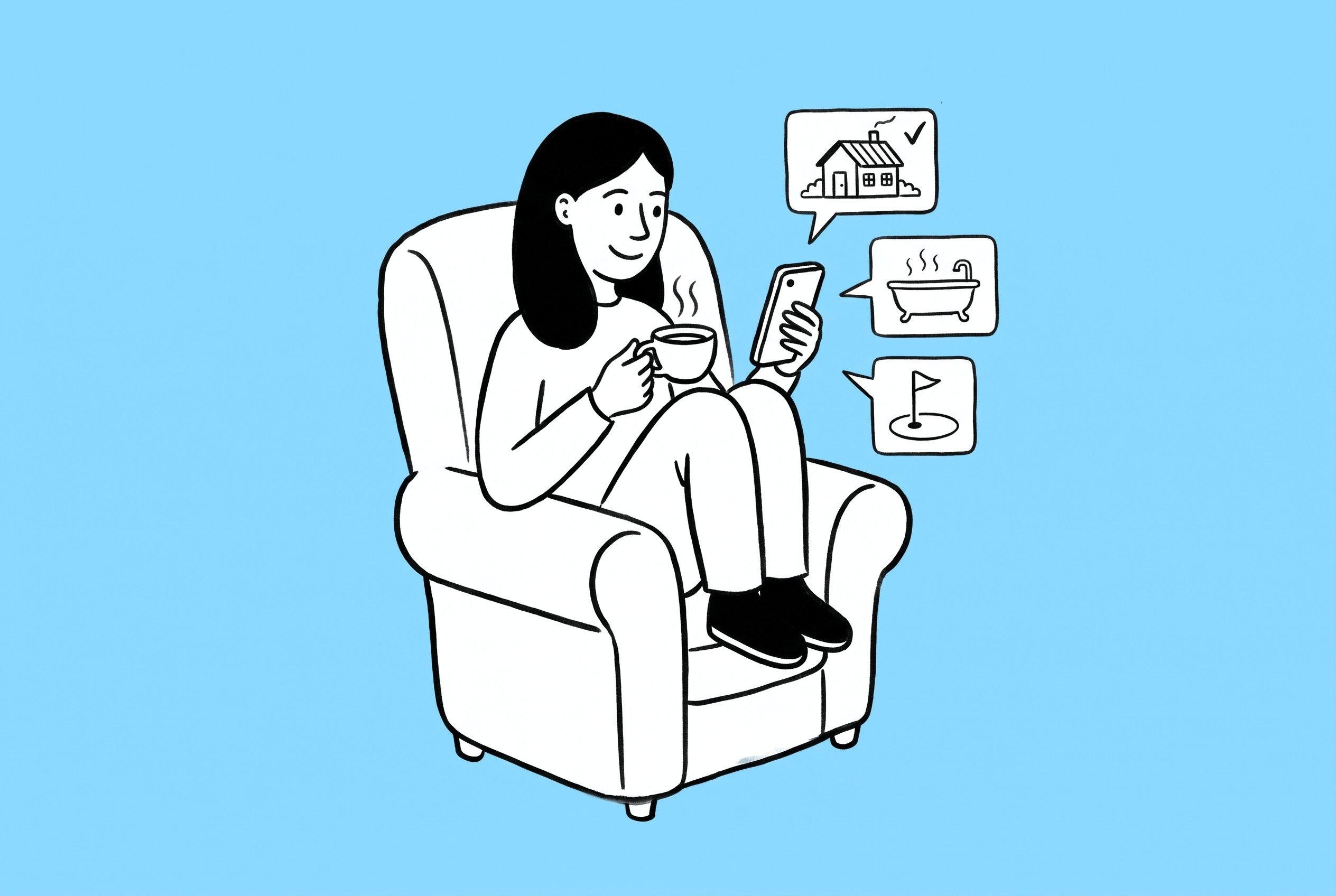
Instagram is often where guests first come across a hotel or restaurant. They spot a dish, a room or a view, tap through to your profile and want to know one thing: how do I book?
Instagram can help with that. Business profiles can add an action button, such as Reserve or Book now, which gives people a direct route to making a booking from your profile. However, these buttons only work with selected booking partners supported by Meta.
How Instagram booking buttons work
Action buttons sit on your profile alongside Follow and Message. Depending on your business, the options include Reserve for restaurant tables and Book now for appointments. You can show one action button at a time.
When someone taps the button, it opens your booking provider’s reservation page, so they can choose a date and time without hunting for a link. For restaurants in particular, that can shorten the journey from “that looks good” to a confirmed table.

Which booking platforms are supported?
Instagram only supports selected third-party booking providers, and you need an account with one of them before you can add the button. You can’t add any booking URL you like as an action button.
On the restaurant side, two platforms used by our clients both offer an Instagram Reserve button: SevenRooms, which has worked with Instagram’s Reserve button since 2018, and ResDiary, which connects through Meta and then adds Reserve to your profile’s action button options.
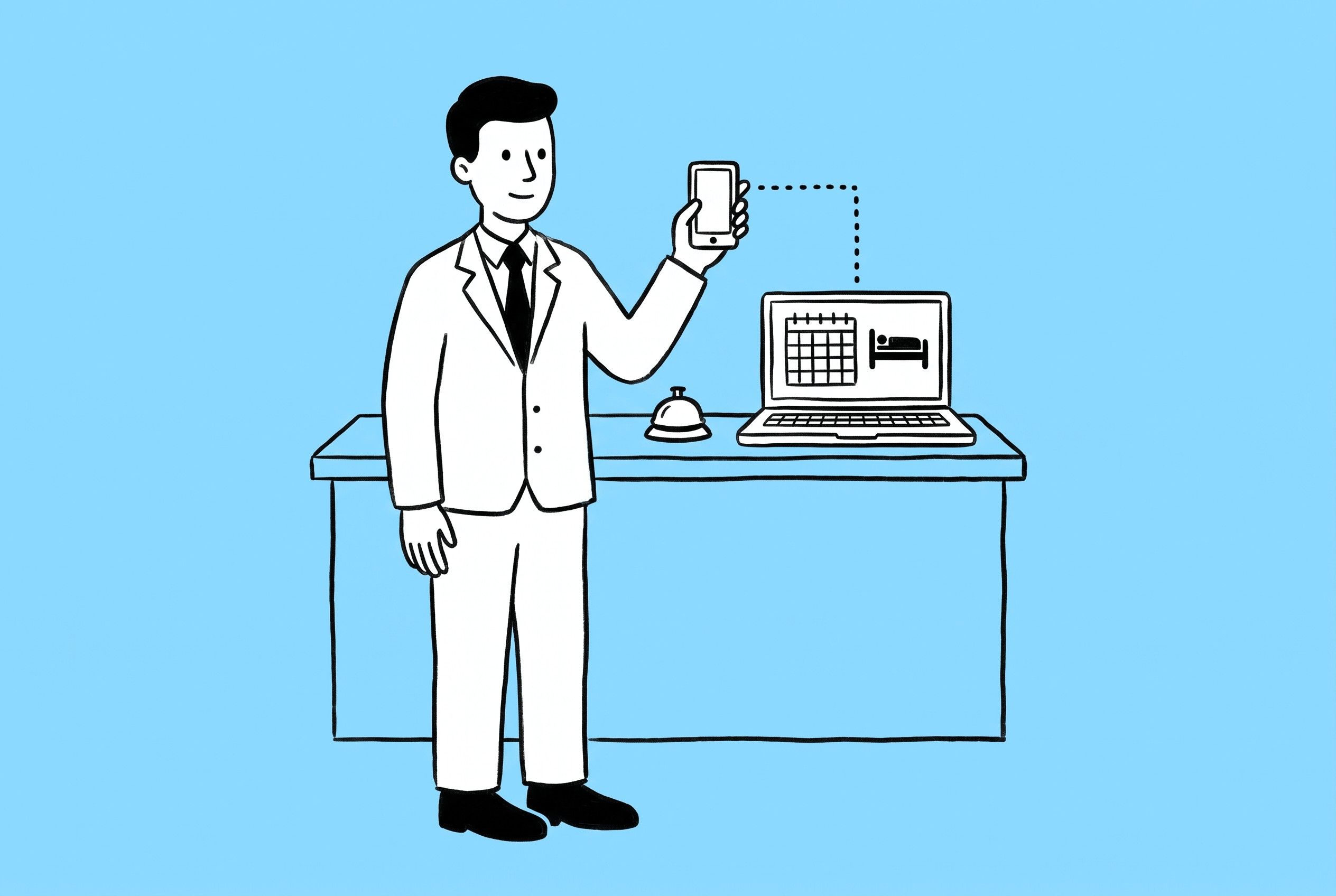
Hotel booking engines are a different story. Many popular engines, including SynXis, Guestline, SiteMinder, Mews, HOP, freetobook and Avvio, aren’t generally available as native Instagram booking button integrations. Mews, for example, has told its customers that it isn’t one of Meta’s partners.
Meta’s list of partners changes from time to time, so the quickest way to check is in the Instagram app itself. Open Edit profile, look at the action button options and see whether your booking provider appears.
What if your booking platform isn’t supported?
Plenty of hotels and restaurants won’t be able to add a native booking button. That doesn’t mean guests have to hunt for a way to book. There are simple alternatives:
- Add a direct booking link to your bio. Instagram lets business profiles include several links, so your booking engine can sit alongside your website.
- Use a link-in-bio tool such as Biosite. One link in your bio opens a simple page with clear routes to room bookings, restaurant reservations, current offers and other pages on your website.
- Use Instagram Stories and clear calls to action. A link sticker in a Story can take people straight to your booking page, and a simple “book via the link in our bio” on your posts reminds people where to go.
Why does this matter?
Instagram is an important place for guests to discover hotels and restaurants, and the moment someone likes the look of you is the best moment to make booking easy.
Every extra step, such as searching for your website or scrolling to find the right page, is a chance for them to get distracted or book somewhere else. A straightforward booking journey makes it easier for customers to make a reservation.
A native booking button is useful where it’s available. Where it isn’t, a well-placed direct link provides a straightforward alternative, taking customers straight to your booking platform.
Take another look at your profile
Instagram booking buttons can make reservations more accessible, but whether you can use one depends on your booking provider. If yours isn’t supported, direct booking links and tools such as Biosite remain effective alternatives.
Take a minute to look at your Instagram profile the way a guest would. Is it obvious how to book a room or reserve a table? Does the link take people straight to the right place?
If you’d like a hand reviewing your profile or making your booking journey easier, get in touch with the Huck team.